Open Generate from the left menu, pick a character, optionally add a pose, an outfit and a scene, write a short prompt and press the button. Two images cost 10 coins; we did it six times on 20 October 2026 and the charge never changed. Each pair took about 20 to 30 seconds.
The tool is quick and easy to drive. Its one quirk is that it fills silence with its own defaults, so what you leave out of the prompt matters nearly as much as what you put in.
The short answer
- 10 coins per 2 images, confirmed on six runs
- Four styles, five aspect ratios, 2 to 256 images per batch, negative prompt
- Always describe the outfit: a near-empty prompt came back undressed on our test
- No photo uploads; your own generations may be used commercially if they follow the rules
 OurDream AI, the platform this wiki coversPremium from 9.50 EUR a month billed yearly, with 1,000 dream coins and unlimited messages on the standard models.Open OurDream Affiliate link
The Generate page
The page has two tabs, Image and Video (the second has its own walkthrough), and the image tab has two modes: Create image and Edit image. Create is built from stacked blocks:
- Character (required): one of yours or a public one.
- Pose, Outfit and Scene (optional): picture presets you click instead of typing.
- Custom prompt (optional), with an Enhance prompt button that rewrites your text in more detail.
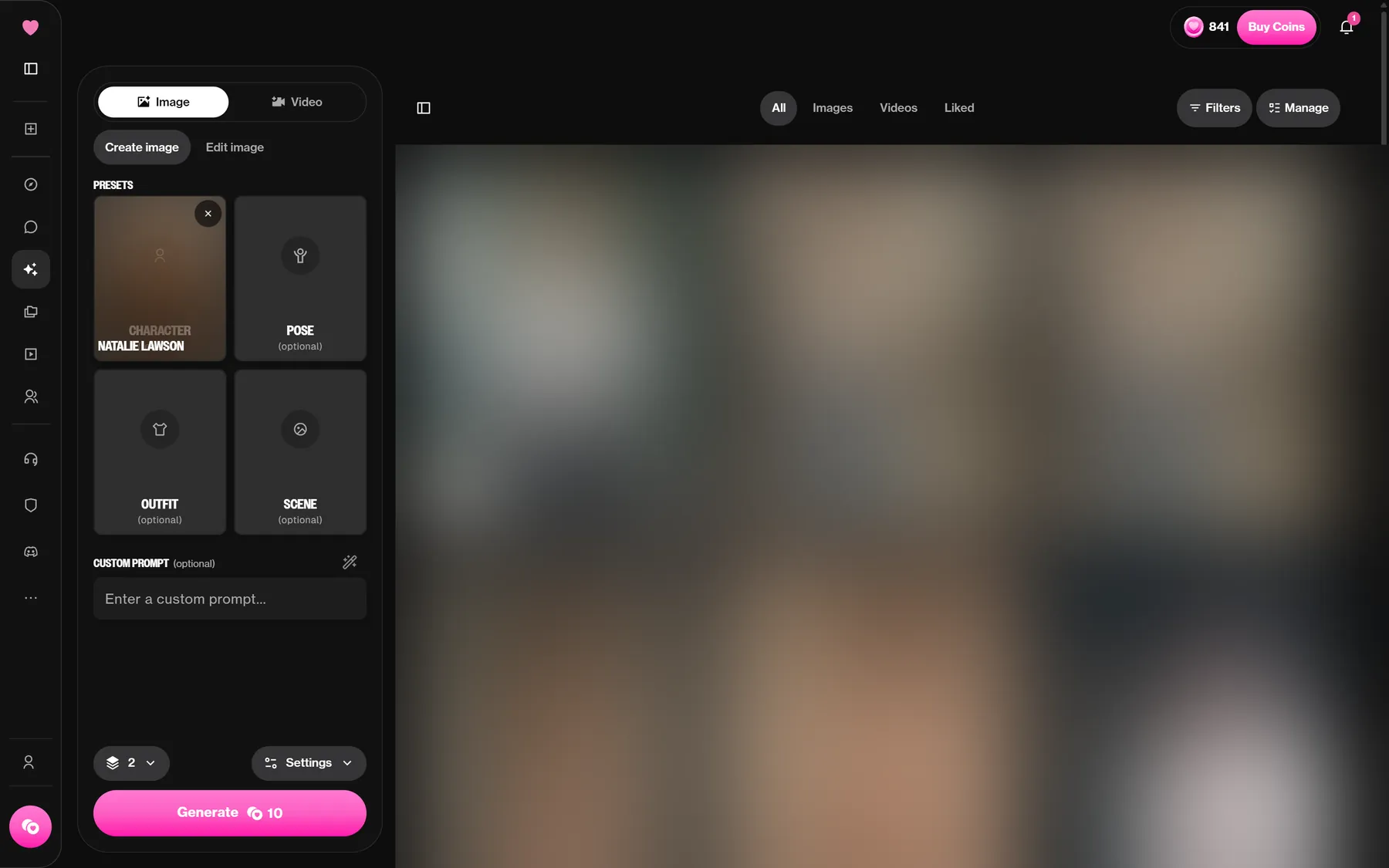
The button shows the price before you click: Generate 10 for the default two images. Results land in your assets, which you can sort into folders (All assets, Folders, Create a folder).
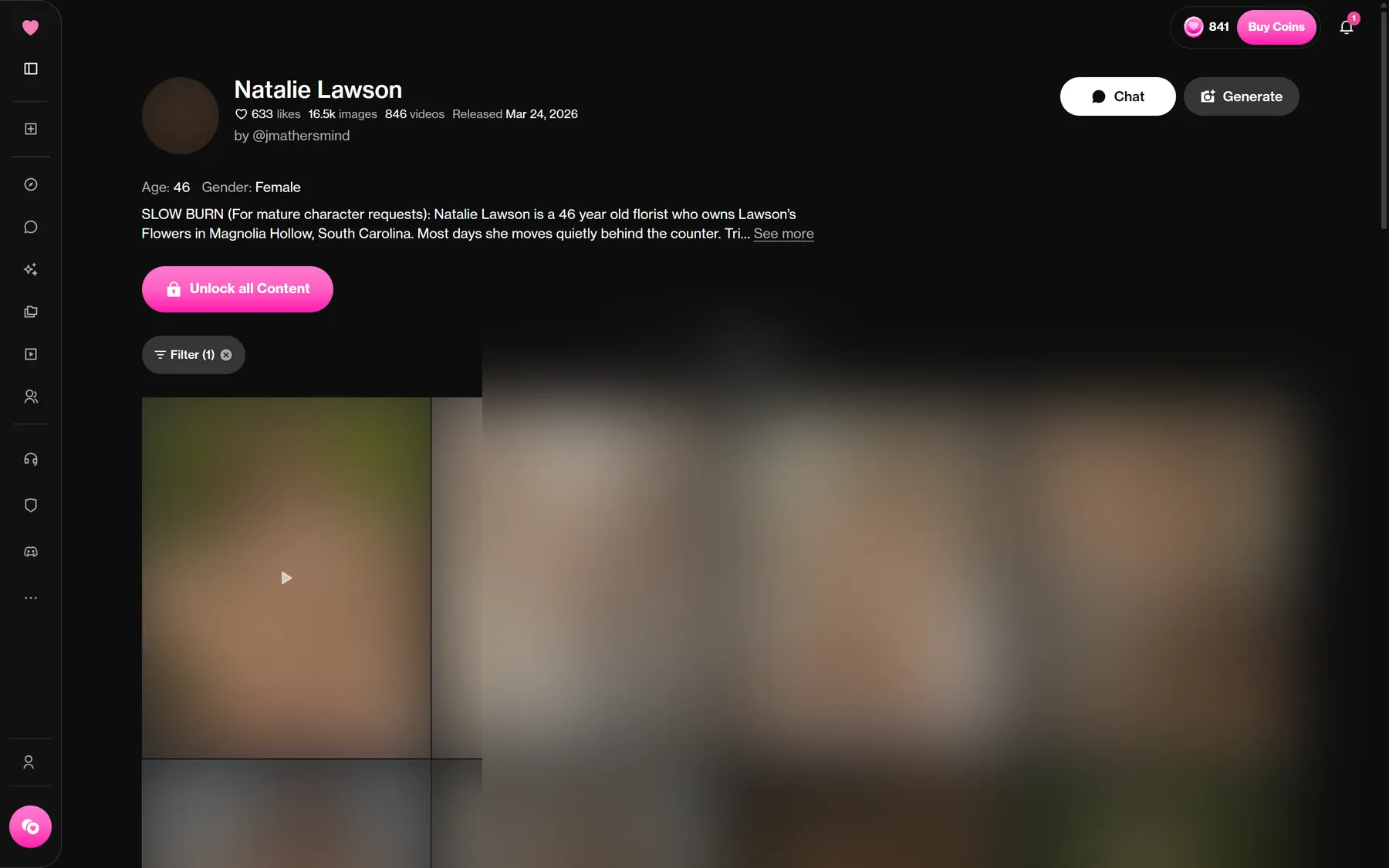
The shortcut most people miss: the Generate button on any character page opens this tool with that character already selected.
Settings worth knowing
| Setting | Options on our account |
|---|---|
| Style | Dreamy (default), Vivid 1.0, Vivid 2.0 (experimental), Fusion (experimental) |
| Aspect ratio | 4:5, 5:4, 9:16, 16:9, 1:1 |
| Number of images | 2 to 256 |
| Negative prompt | Free text: what you do not want |
The number field is the one to watch. Cost follows it: if the 10-per-pair rate holds all the way up, 256 images come to 1,280 coins, more than a whole month of Premium coins. Leave it at 2 while you are still learning what a character looks like.
Use the negative prompt for things that keep creeping in: extra people, text, a background you did not ask for.
What each image action costs
| Action | Coins |
|---|---|
| Standard generation | 10 per 2 images |
| Image inside a chat | 5 per image |
| Auto image generation in chat | 5 per image |
| Enhance an image | 10 |
| Edit an image, Spark model | 10 |
| Edit an image, Eclipse model | 20 |
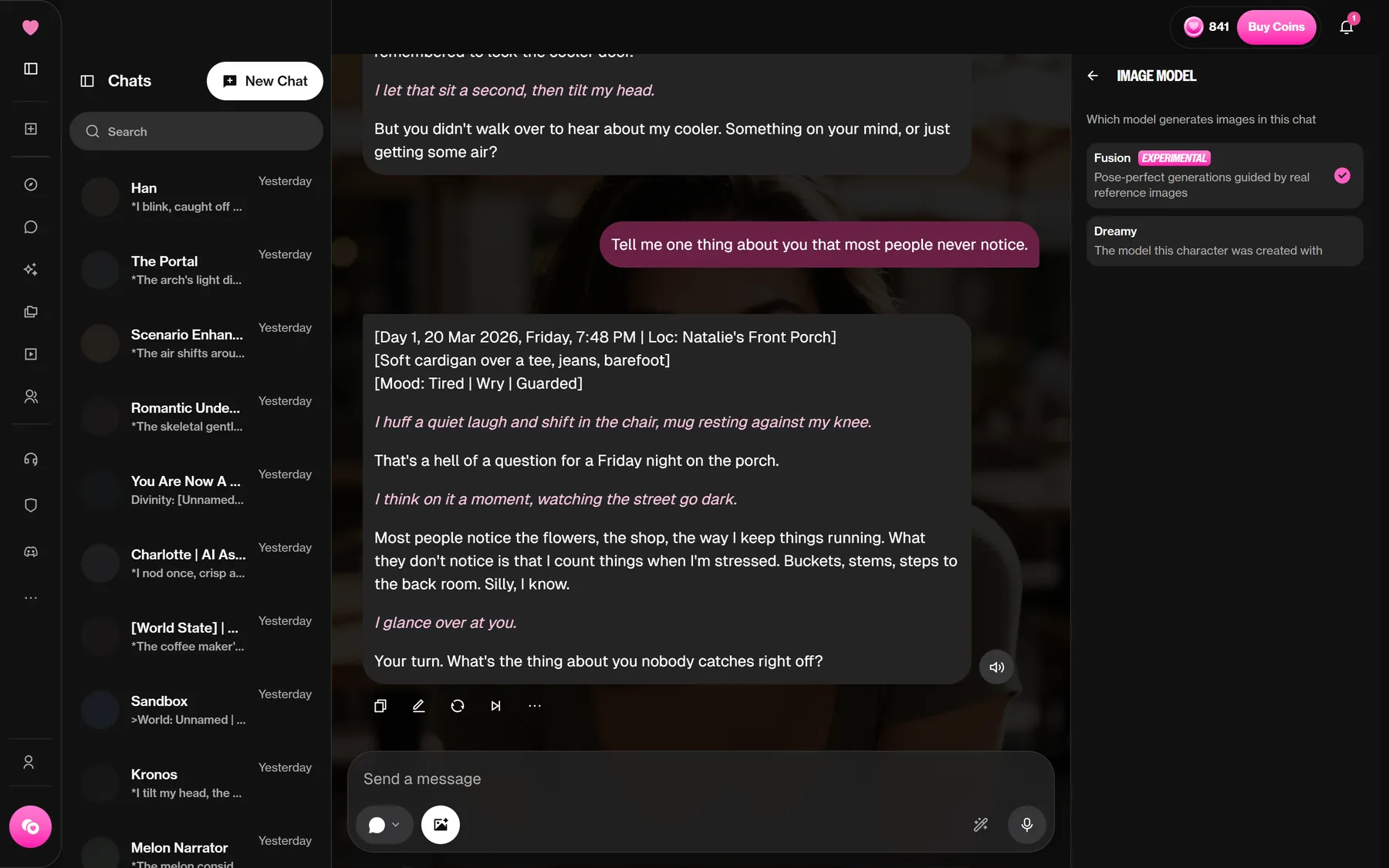
Only the first line was tested by us; the rest come from the help center's cost guide. Inside a conversation, the Image Model tab of the side panel controls which model chat images use.
A failed generation is refunded automatically, per the help center. A finished image you dislike is not, so a clear prompt is the real saving. Candy AI charges 4 tokens per image, and the Candy AI comparison explains why the two numbers are not directly comparable.
The prompt lesson: write the outfit
On one of our six runs we picked a character and left the prompt almost empty. The pair came back undressed. Nothing in our request asked for it; the generator simply chose that when given no clothing to work with.
The fix is simple and costs nothing: name the clothes. Pick an Outfit preset or write it in the prompt ("grey wool coat, scarf, jeans") and add the setting. The help center's own prompt advice points the same way: be specific about subject, lighting, mood and framing, and avoid vague one-word prompts.
Second thing we noticed: some characters keep their built-in look whatever you type. Their creator baked the appearance in, and a prompt asking for a different hair colour or outfit gets partly ignored. If a character refuses to change, try another one or build your own in the creator.
What you cannot do
- Upload a photo. OurDream does not accept reference pictures of real people; the help center cites deepfake and legal risk.
- Copy famous characters. Prompts that reference an existing franchise character are refused for public content since March 2026.
- Generate without a plan. Free accounts cannot use the generator at all.
The moderation filter also blocks some prompts. The help center admits it is sometimes too sensitive and flags safe content, and says the strictness comes from payment providers. Its advice is to rephrase the prompt more generally, and coins for a blocked generation are refunded.
DreamGF handles the no-plan case differently: its free trial shows images, but blurred, as our DreamGF write-up notes.
Can you use the images?
Yes, with conditions. The help center says you may use images and videos commercially if you generated them yourself (not another user) and they comply with the Terms and policies. If your plan ends, though, your gallery is blurred until you subscribe again, so download what you need while you can.
Planning a batch? The coins calculator shows how many pairs your balance covers. Then open the generator on OurDream and describe the outfit first.
FAQ
How much does an image cost on OurDream?
10 coins for 2 images in the generator, which we confirmed six times. Images generated inside a chat cost 5 coins each, per the help center.
How many images can I generate at once?
From 2 to 256 per batch. At 10 coins per pair, a full batch of 256 would come to 1,280 coins (we did not run one).
Why did my image ignore my prompt?
Some characters have a fixed built-in look that overrides parts of the prompt. Others fill gaps with defaults, so describe clothing and setting explicitly.
Will the generator work from a picture of a real person?
It will not take one. Reference pictures are refused outright, and deepfake risk is the reason the help center gives.
Can I sell images I made on OurDream?
The help center allows commercial use of images you generated yourself, as long as they comply with the Terms and policies.
Want to see it for yourself?Making an account costs nothing: browse the community characters first, then decide whether a plan is worth it for you.Visit OurDream AI Affiliate link
Worth reading next