The creator sits behind the Create button in the left menu. You choose a gender and an art style, step through looks and personality, and the site generates the portrait. Our full run cost 5 coins, taken at the image step; the help center lists 10. The finished character is private and appears in My AI until you decide to share it.
The form fills itself with random choices as you go, which is handy for speed and a trap if you click through without reading. More on that at the end.
The short answer
- Six stages: Style, General, Face, Body, Details, Image
- Our run cost 5 coins at the image step; the help center says 10 with two images included
- New characters are private by default, listed in My AI
- Public sharing is premium only and reviewed by hand, 72 hours to 3 to 5 days
 OurDream AI, the platform this wiki coversPremium from 9.50 EUR a month billed yearly, with 1,000 dream coins and unlimited messages on the standard models.Open OurDream Affiliate link
The entry screen
The first page asks for three things: Female, Male or Trans; Realistic or Anime; and how you want to build. Begin takes you through the step-by-step form described here. Design with AI is the alternative entry; we used Begin, so we cannot describe what happens behind that second button.
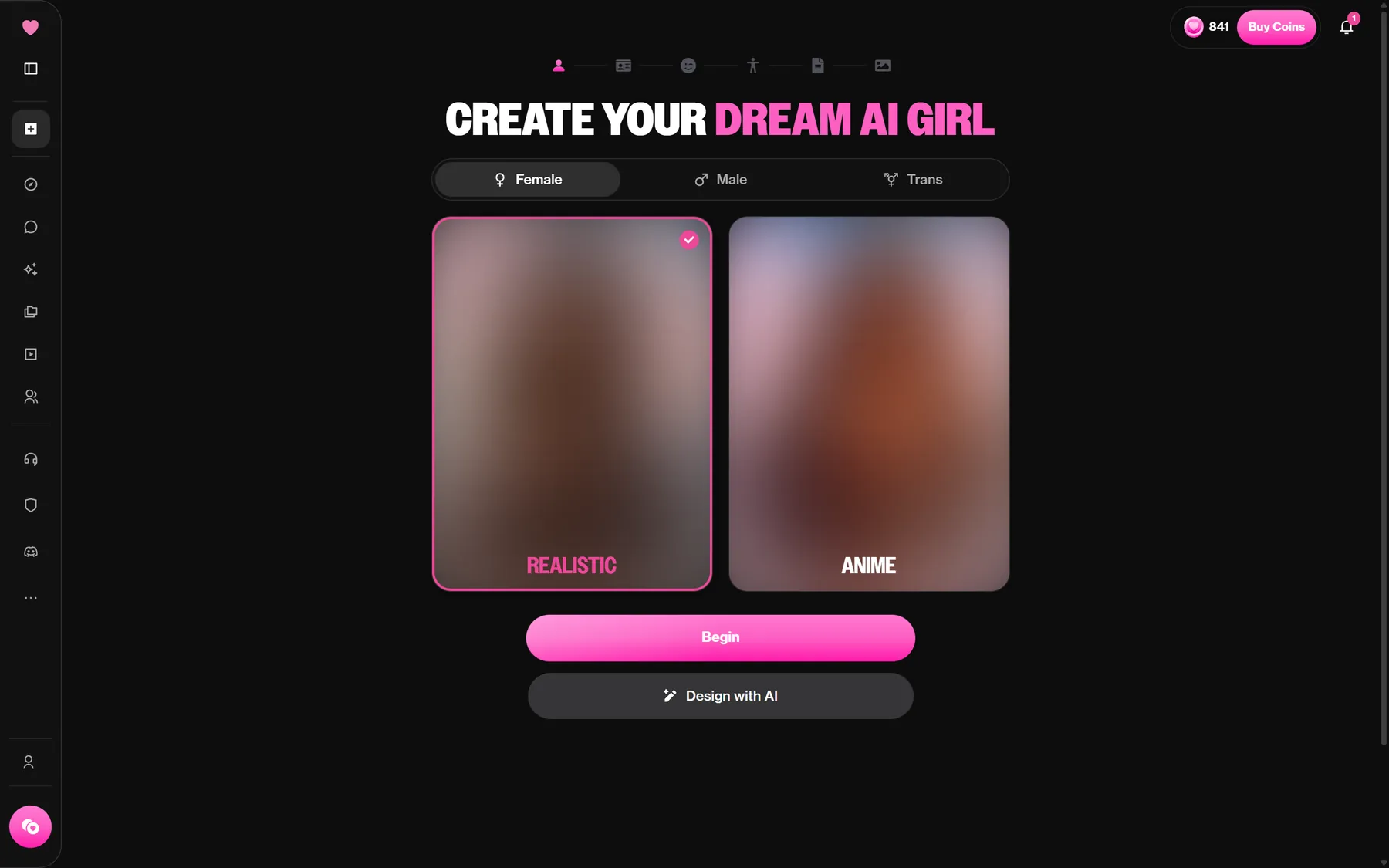
Realistic and Anime change the look of every preview that follows, so choose the style you will want in generated images later.
Looks: General, Face and Body
Each stage is a grid of picture tiles. Click one, move on.
- General: ethnicity, which goes beyond human options (Elf, Alien and Demon are listed, plus Custom), and a skin tone.
- Face: hair style, eye colour and hair colour.
- Body: body type and proportions.
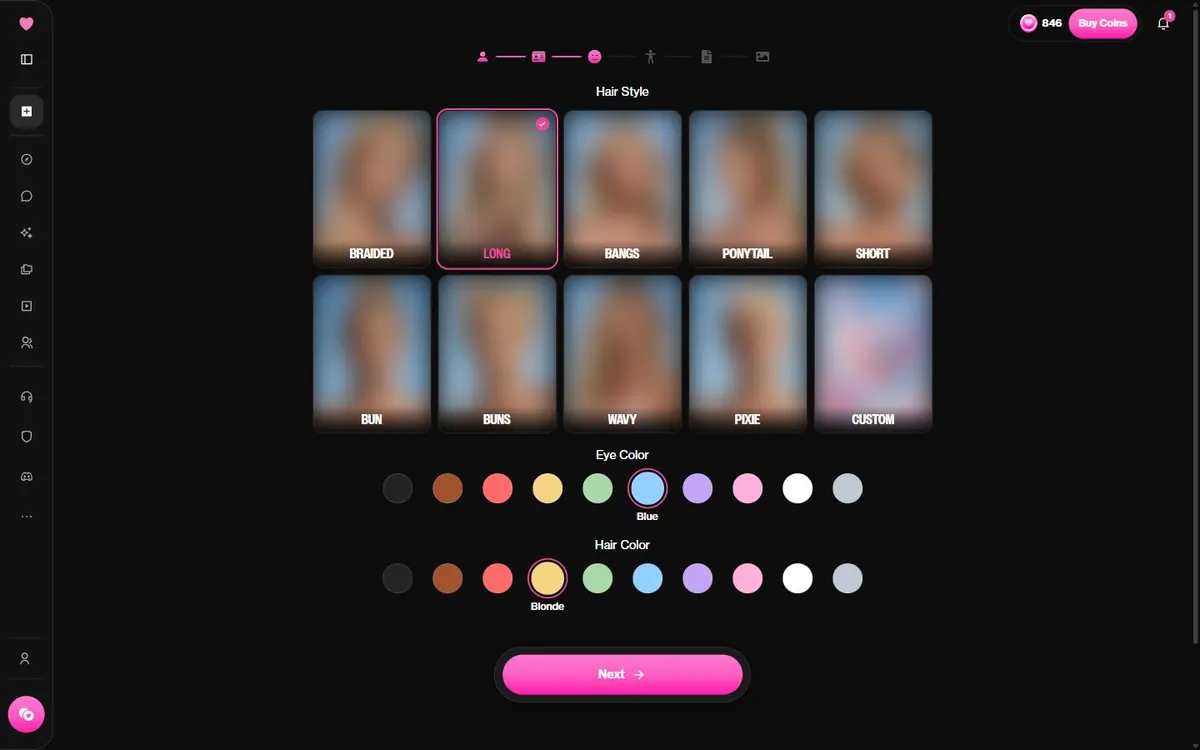
Nothing costs coins yet. Go back and forth as much as you like; you only pay when the portrait is generated.
Details: who the character is
This is the longest screen and the one that shapes conversations. It holds the name, the age (the picker started at 21 in our run), a voice, a personality, an occupation, a relationship to you, a hobby and an advanced details box for anything the menus miss.
Personality offers around twenty presets, from Shy, Sweet and Caring to Witty, Mysterious, Intellectual and Tsundere, plus Custom. Hobbies are everyday picks: Cooking, Photography, Gaming, Hiking, Rock Climbing, Playing Guitar and so on. Voice opens a picker with the available voices; see voice and calls for how voices behave once you chat.
Advanced details is where a character stops being generic. A line about how they talk, a habit, a past event they keep mentioning: the menus cannot say that for you. On Kindroid, building your own companion is the whole product rather than one option next to a public catalogue; our Kindroid side by side looks at what that changes.
The image step and what it costs
Last comes a preview of the character with its appearance summary and the image model (Fusion on our screen). Pressing Next generates the portrait. That is where our balance dropped by 5 coins. The following button, Bring Your AI To Life, did not charge anything on our run.
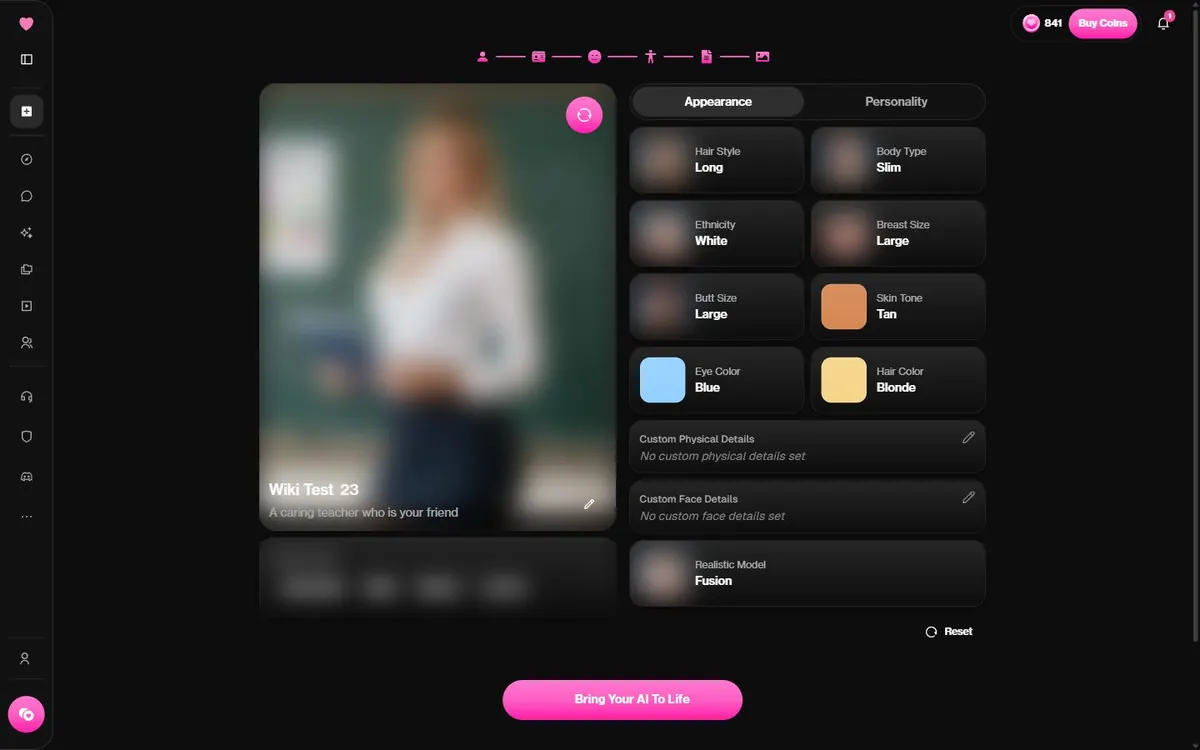
The help center's cost guide says creating a chatbot costs 10 coins, with the first two images included and 5 coins for each extra regeneration. We were charged 5. Whichever number you hit, it is small next to video, but re-rolling the portrait several times adds up. DreamGF, by comparison, charges 20 tokens to generate a companion, and the DreamGF price comparison lists the rest of its costs.
The preview also adds tags automatically, based on your body choices. You can change them with Manage Tags. Check them: tags decide which Explore filters a public character turns up under.
Private first, public later
Once created, the character goes straight into My AI marked PRIVATE. You can chat with it right away.
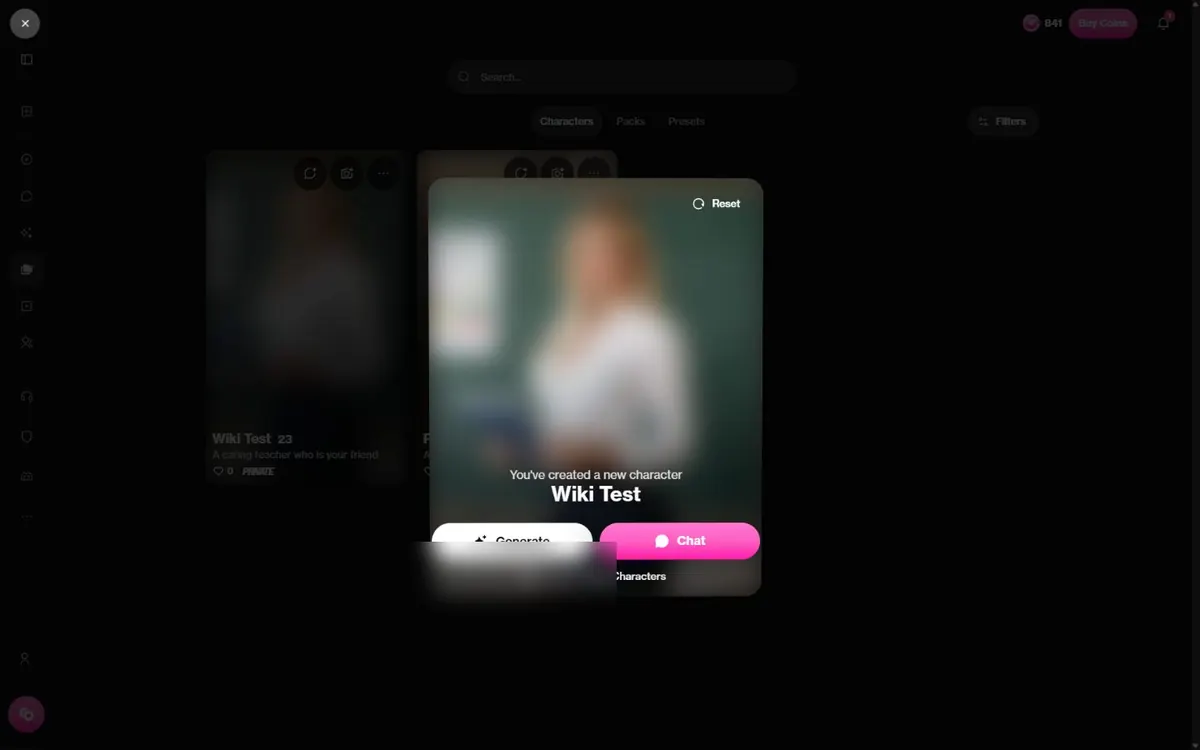
To share it, the community FAQ gives the path: My AI, pick the character, the three dots, Edit, then Unlisted or Public. Unlisted works through a link only. Open its chat and copy the URL; if the link preview shows your character's image, it works, and if it shows the generic OurDream banner, it will not open the character.
Public is stricter:
- Only premium accounts can submit public characters.
- Every submission is reviewed by hand. The help center says reviews usually finish within 72 hours; the community FAQ says 3 to 5 days, with 350 to 450 submissions a day.
- Since March 2026, direct adaptations of characters from existing films, games or anime are refused, as are franchise names in descriptions and image prompts.
No reference photo uploads either: the help center rules them out because of deepfake risk.
Tips before you press Next
- Reread the random fields. Name, age and several details arrive prefilled at random. Fix anything you did not choose; it is easier now than in the edit screen.
- Write the advanced details. Two or three concrete sentences beat any preset.
- Check the auto tags if you plan to go public.
- Pick the voice with care. It is chosen during creation, and getting it right there spares you changing it in each chat.
- Stay original. A character borrowed from a franchise can stay private, but it will not pass public review.
Want inspiration first? Our creators to follow list shows what well-built characters look like. Then open the creator on OurDream.
FAQ
How much does it cost to create a character on OurDream?
Our run on 20 October 2026 cost 5 coins, charged when the portrait was generated. The help center says 10 coins, with the first two images included and 5 coins per extra regeneration.
Are new characters public?
No. They are private and appear in My AI. You can switch them to Unlisted or Public afterwards.
How long does public review take?
The help center says usually within 72 hours; the community FAQ says 3 to 5 days. Contact support if it takes longer than 72 hours.
Can I upload a photo to base a character on?
No. The help center says photo uploads are not allowed because of deepfake and legal risks.
Can I recreate a character from an anime or game?
Not as a public character. Since March 2026 OurDream refuses direct adaptations of existing characters and franchise references in public submissions.
Want to see it for yourself?Making an account costs nothing: browse the community characters first, then decide whether a plan is worth it for you.Visit OurDream AI Affiliate link
Worth reading next